
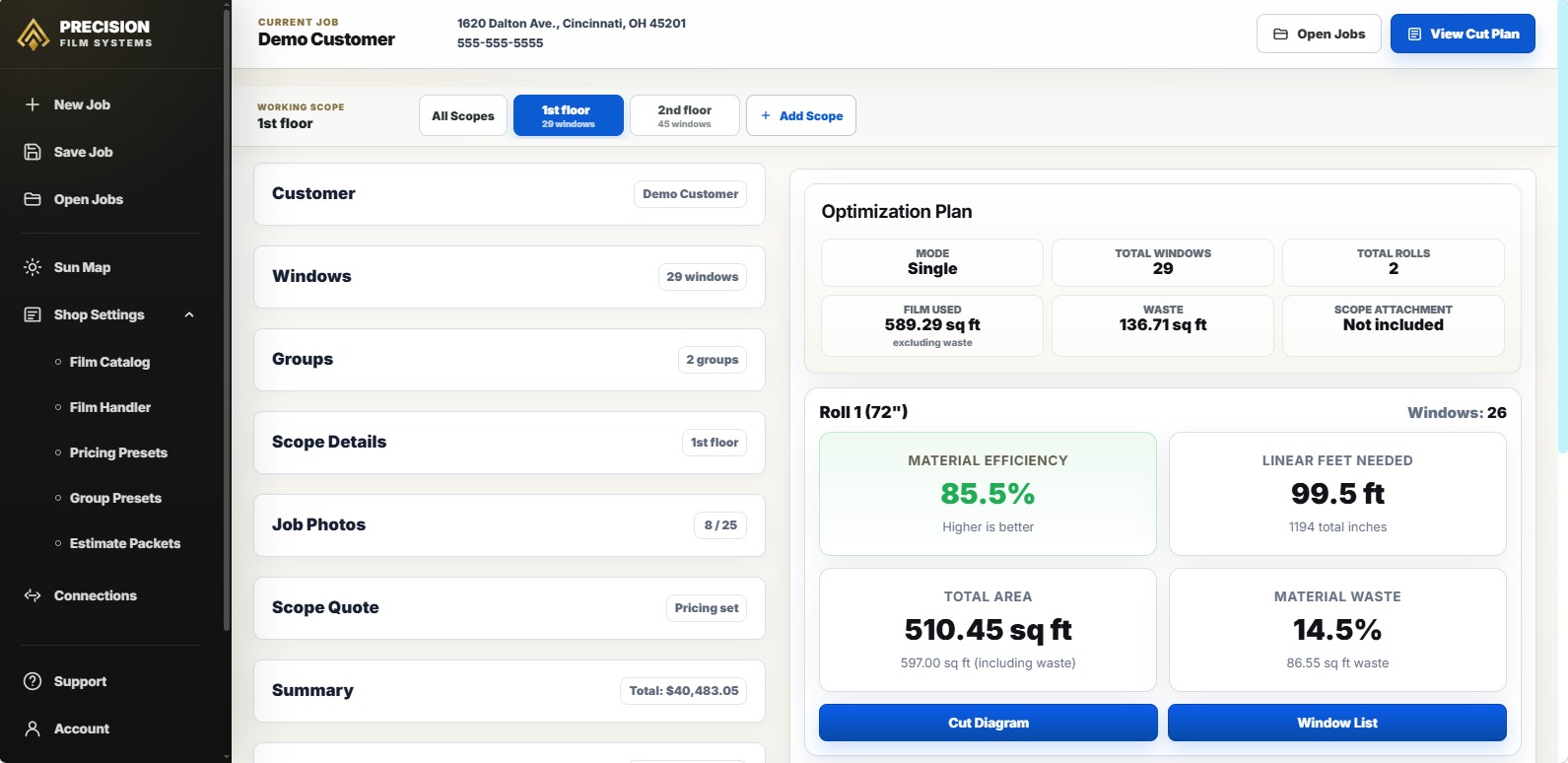
A waste calculator has to show more than square footage.
Square footage tells you the measured glass area. It does not show how those panes fit a fixed roll width, how many linear feet the layout uses, or whether leftover film is realistic material for another job.
For flat glass work, waste is a roll-aware planning question. The same glass area can create different material outcomes depending on pane shape, roll width, cut layout, order length, and usable remainder.
If the main decision is the full architectural cut plan, the flat glass cut optimizer page shows how pane groups, roll-width comparison, cut diagrams, and window lists fit together. To compare the demo against a job you have already cut, use the window film cut planner demo.
Calculate waste from your actual window measurements.
Create a free Precision Film Systems demo account and run one real flat-glass job through the core cut-planning workflow. Enter your own window sizes and quantities, compare standard roll widths, and review fit, linear feet, material efficiency, waste, a Visual Cut Diagram, and the Window List.
After you arrive at the Precision Film Systems login form, select “Create a demo account.” The signup form asks for your name, email, and password. That information is used only to create your login and give you access to the app for one job.
How the basic waste math relates to the full cut plan.
A basic waste comparison starts with the material area used by the layout, then subtracts the glass area that actually fits inside that layout. That gives the shop a cut-layout waste number for the roll width being reviewed.
Precision Film Systems first places the actual panes in a valid layout to determine fit and the required linear feet. The formula supports that result; it does not independently produce a cut plan.
For a full-job comparison, every pane has to fit. If some panes do not fit the selected roll width, that result should be treated as a warning or partial plan, not a final waste comparison.
That basic calculation gives the shop a waste number for a layout where every pane fits. It still does not account for order increments, remainder left on the roll, usable remainder, film on hand, or whether the leftover material is realistic for another job.
What window film waste really means.
Window film waste is not just extra square footage. A flat glass job can create waste in several places, and those sources should not be blended into one vague leftover number.
Cut-layout waste
Material lost because of how pieces fit inside the planned layout.
Remainder
Film left after the layout length is used.
Usable remainder
Leftover film that is protected, labeled, and realistic to plan into another job.
True waste
Material the shop cannot reasonably use later.
Why square footage alone misses the layout problem.
Measured glass area is only one part of the material picture. A job can look clean by square footage and still create more waste than expected once the panes are laid out across the roll.
Pane fit changes the result
A tall sidelight, a narrow office pane, and a wide transom can carry similar area but land differently on the roll.
Roll length needed changes the plan
Square footage does not show whether the panes fit a 48, 60, or 72 inch roll, or how much length the layout needs.
Remainder changes the material decision
Order length and usable remainder can make two valid layouts feel very different after the roll is actually purchased or pulled.
Roll width, linear feet, and usable remainder belong in the same decision.
A wider roll may reduce linear feet, reduce seams, or create a cleaner layout. It can also cost more, leave a wider remainder, be harder to handle, or be unnecessary for the job.
A narrower roll may use more length and still be the better material decision if it fits the panes cleanly, costs less to buy, or leaves a more useful remainder.
-
Start with the panes
Use the measured sizes and quantities, not only a total square-foot number.
-
Compare available widths
Run the same job against the roll widths the shop can actually order or pull from stock.
-
Review fit and waste
Look for fit warnings, cut-layout waste, waste percentage, and waste square footage.
-
Consider the remainder
Decide whether leftover film is useful material for another job or true waste.
Same glass area, different waste outcome.
Example job: 29 flat glass panes with 464.54 square feet of measured glass. The 48 inch option is a partial result because four panes do not fit that roll width, so it should not be compared against the full-job options as if it were a complete waste calculation.
The 60 inch and 72 inch options both work, but they do not create the same waste, order length, or remainder. The better roll choice depends on layout, material cost, roll availability, handling, and whether the remaining film is useful later.
| Roll option | Linear feet | Cut-layout waste | Remainder note |
|---|---|---|---|
| 48 inch roll | Partial result | Not a full-job comparison | Four panes do not fit this roll width, so the low linear-foot number should not be compared against the full-job options. |
| 60 inch roll | 106.5 ft | 12.8% | All panes fit; if ordered at 125 ft, about 18.5 ft remains. |
| 72 inch roll | 90.4 ft | 14.4% | All panes fit; if ordered at 100 ft, about 9.6 ft remains. |
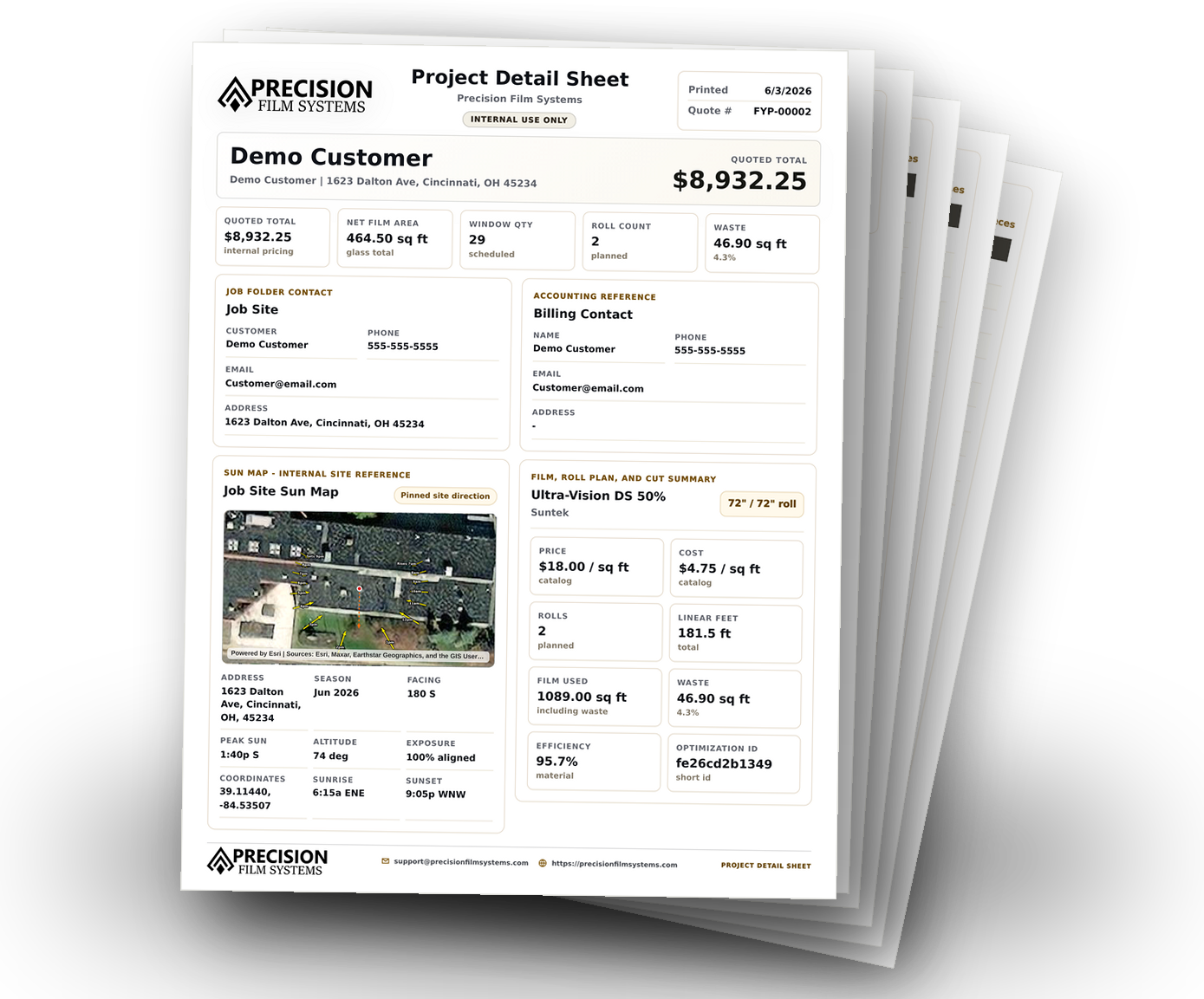
Precision Film Systems makes waste visible inside the material plan.
Precision Film Systems helps organize pane sizes, quantities, film information, roll-width comparisons, linear feet, material efficiency, waste, and cut layouts in one planning workflow.
The app does not remove every source of waste, choose film for the installer, approve compatibility, or replace shop judgment. It gives the material decision a clearer planning layer so the shop can compare options before ordering, pulling from stock, cutting, or handing the job to the crew.
- Compare standard roll widths from the same measurements.
- Review linear feet, material efficiency, waste percentage, and waste square footage.
- Catch roll-width fit problems before the plan moves forward.
- Keep the selected cut layout ready for ordering, pre-cutting, cutting on site, or crew handoff.
Use it when waste needs to be seen before the roll-width choice is made.
Good fit for
- Flat glass shops comparing 36, 48, 60, and 72 inch roll options.
- Installers who want waste visible before the material decision moves forward.
- Teams that already have measurements but still need a clearer roll-aware material plan.
Not meant to be
- A full CRM, scheduling system, invoicing platform, or accounting tool.
- A guarantee that one roll width is always best.
- A promise that every source of film waste can be removed.
- A substitute for installer judgment or manufacturer compatibility guidance.
Questions shops ask about window film waste calculations.
Short answers for shops comparing measured glass area, roll usage, cut-layout waste, and usable remainder before the material decision is made.
What should a window film waste calculator show?
It should show more than measured square footage. For flat glass work, it should help compare roll width, linear feet, cut-layout waste, order length, and whether leftover film may be usable later.
Is square footage enough to calculate window film waste?
Not by itself. Square footage tells the shop the measured glass area, but waste depends on how the panes fit the roll, how much length the layout uses, and what remains after the material is ordered or pulled.
Is leftover film the same as waste?
Not always. Remainder left on a roll may be usable material if it is protected, labeled, tracked, and realistic to use on another job. Waste is material that cannot realistically be used.
Does the lowest waste option always mean the better roll choice?
No. A lower waste percentage can help, but the shop still has to consider fit, roll width cost, order length, handling, film on hand, and whether the cut layout is practical.
How does Precision Film Systems help compare waste?
Precision Film Systems turns entered measurements into roll-width comparisons, linear-foot numbers, waste visibility, and cut layouts so the shop can review the material side before ordering, pulling from stock, cutting, or handing the job to the crew.
Run one real job before choosing a plan.
Create a free demo account, enter your own measurements, and use one real job to compare standard roll widths, film metrics, the Visual Cut Diagram, and the Window List. When the login form opens, select “Create a demo account.” No credit card or payment details are required, and Shop features and settings are not included.