
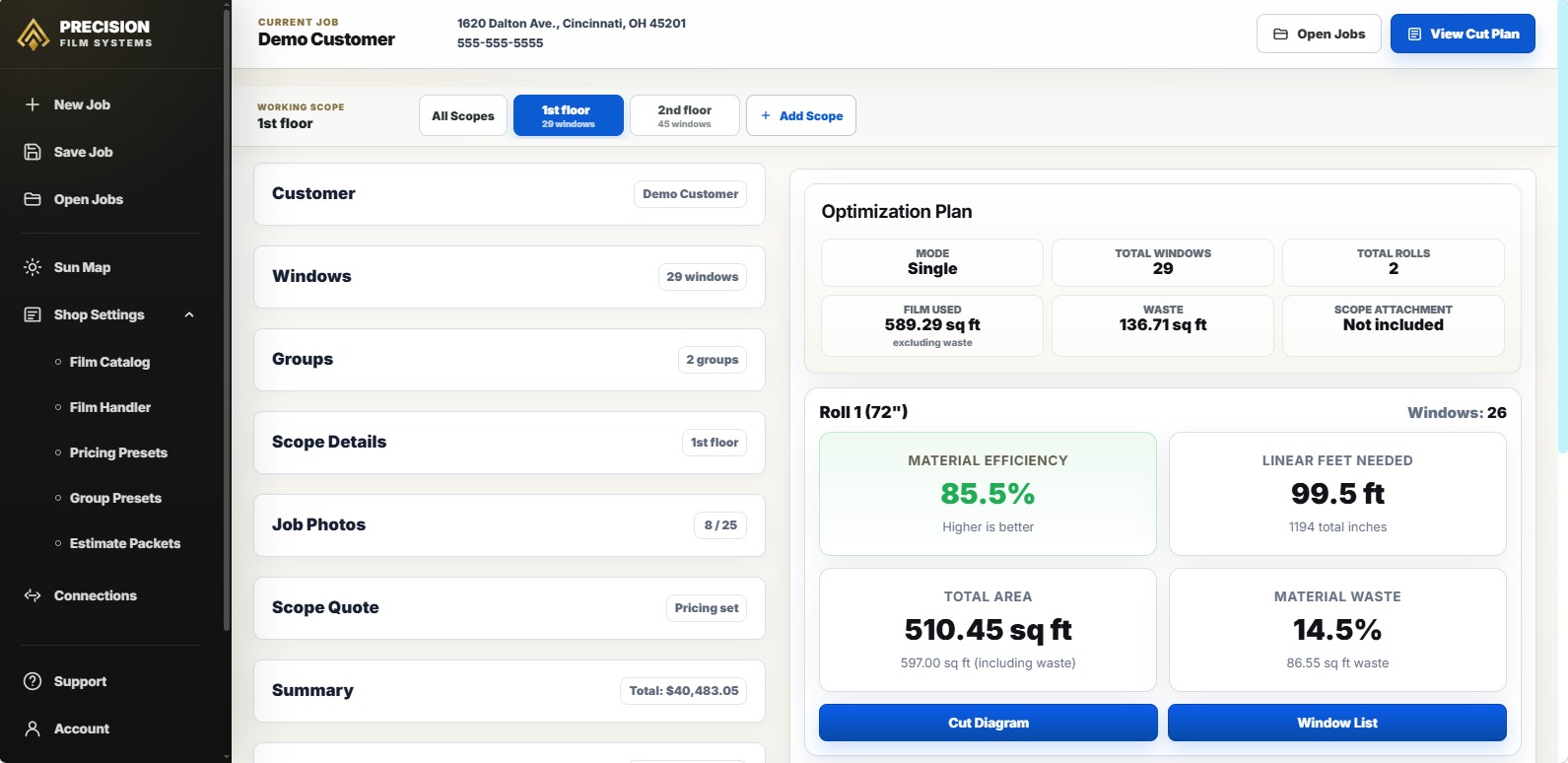
Square footage is not the same as a material plan.
Measured square footage tells you the glass area. It does not tell you whether those panes fit cleanly on a 48, 60, or 72 inch roll, how many linear feet the layout needs, or where the waste shows up. Precision Film Systems makes those roll-width tradeoffs visible before the shop commits to the material plan.
That is the difference between knowing how much glass is on the job and knowing how the film needs to come off the roll. For a page focused specifically on architectural work, see the flat glass cut optimizer workflow. To test the demo with a job you already completed, use the window film cut planner demo.
The measured job changes once it meets the roll.
On paper, a job can look simple: a list of sizes, quantities, and room names. Once those pieces are placed against a fixed roll width, the real material story starts to show up.
Pane shape changes fit
A tall sidelight, a wide transom, and a repeated office pane can carry similar square footage but behave very differently on the roll.
Roll width creates the constraint
A lower linear-foot result is not useful if part of the job does not fit the selected width. Fit warnings matter as much as efficiency.
Waste hides in the layout
Waste can come from awkward pairings, repeated gaps, trim, order increments, or leftover film that looks usable but never fits another job cleanly.
From measurements to a roll-aware cut plan.
The workflow starts with real measurements and ends with a cut plan the shop can use. Precision Film Systems keeps pane sizes, quantities, groups, roll-width options, waste, and linear feet connected so the material decision does not have to be rebuilt from scattered notes or memory.
-
Enter the job as measured
Add pane width, height, quantity, and grouping so repeated sizes stay organized instead of getting reworked later.
-
Compare roll-width options
Run the same measurements against standard roll widths and see where each option fits, struggles, or fails.
-
Review the material numbers
Look at linear feet, material efficiency, waste percentage, and waste square footage before ordering or using stock material.
-
Use the cut layout
Keep the selected layout ready for ordering, pulling from stock, pre-cutting, cutting on site, or handing the job to the crew.
A smaller linear-foot number can still be the wrong answer.
In this 29-window sample job, the 48 inch roll appears to use fewer linear feet. That does not make it the best plan, because four panes do not fit the selected roll width. A cut optimizer has to show that warning clearly, otherwise a partial result can look better than a workable result.
The 60 inch and 72 inch rolls both work, but they create different material outcomes. The useful comparison is not just "which number is smallest?" It is "which result actually fits the job, controls waste, and gives the shop a practical plan?"
| Option | Linear feet | Waste | Notes |
|---|---|---|---|
| 48 inch roll | 65.0 ft | 32.1% | Warning result: four panes do not fit this roll width. |
| 60 inch roll | 106.5 ft | 12.8% | All panes fit with the strongest efficiency shown in this example. |
| 72 inch roll | 90.4 ft | 14.4% | Valid result with lower length than the 60 inch roll, but slightly more waste. |
A focused planning layer for the material decision.
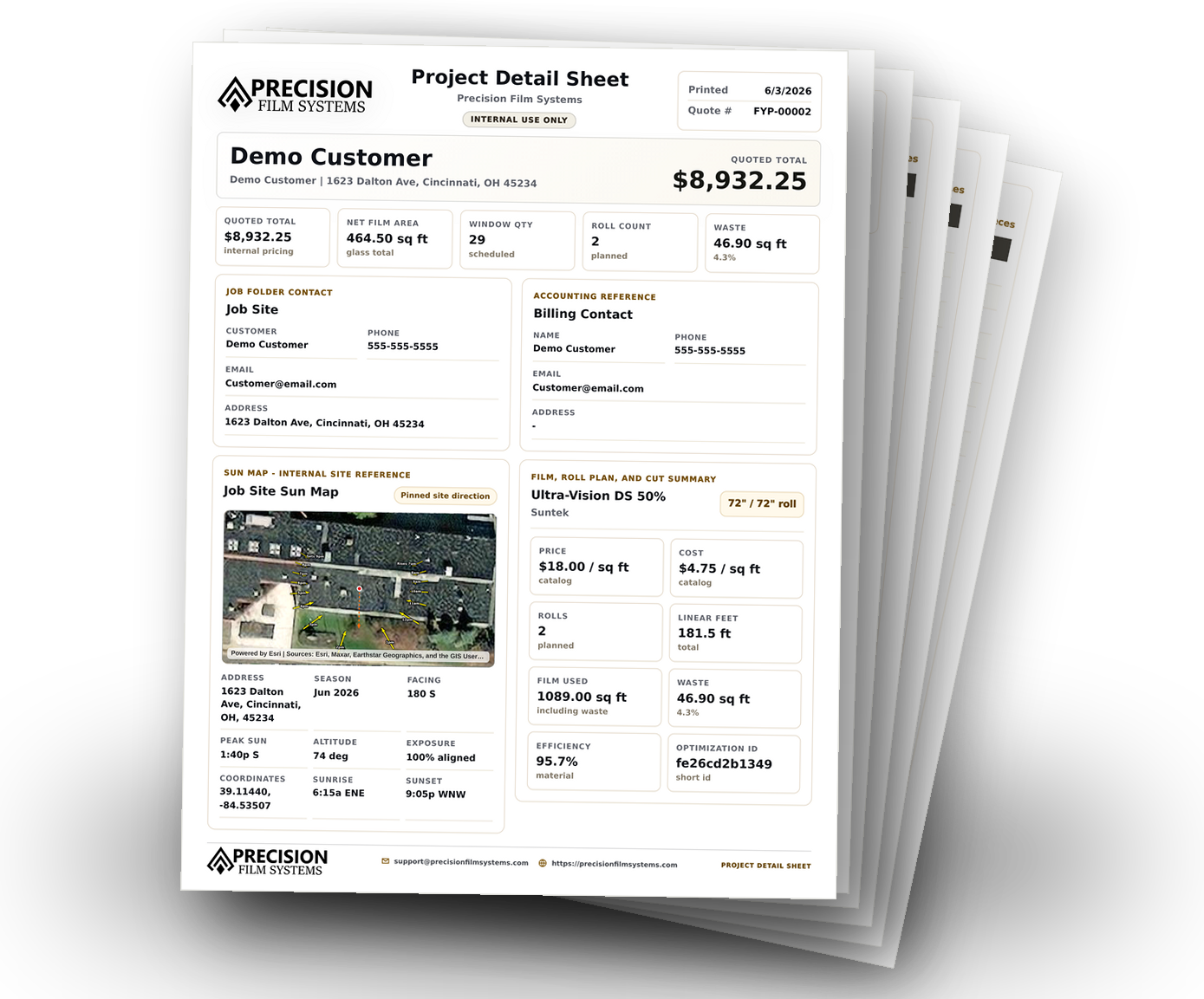
Precision Film Systems is not trying to replace every system a shop already uses. It focuses on the point where the measurements need to become a material plan: roll width, linear feet, waste, cut layout, and the information installers need when the job moves forward.
With Shop, measured project data can be reused across independent Scopes, selected films, exact estimate revisions, recorded customer responses, Film Handler planning, and verified output. Optional tools include finite Film on Hand, the user-managed Film Catalog, pricing and tax presets, Job Photos, and Sun Map. Generated production output checks plan currentness, while finalized estimates remain revision snapshots. The software does not replace installer judgment or manufacturer guidance. It gives the shop a clearer material plan before those decisions get expensive.
- Compare standard roll widths before ordering material or using film from stock.
- See linear feet, material efficiency, waste percentage, and waste square footage.
- Catch roll-width fit problems before the crew is waiting on a decision.
- Use cut diagrams, window cut lists, and project output for cleaner handoff.
Use it when the material plan matters before the job moves forward.
Good fit for
- Flat glass shops that compare 36, 48, 60, and 72 inch roll options.
- Installers who want the cut layout visible before the material decision moves forward.
- Teams that already have a CRM but still rebuild cut plans from notes, spreadsheets, or memory.
Not meant to be
- A full CRM, scheduling system, invoicing platform, or accounting tool.
- A guarantee that every job has one perfect roll choice or zero waste.
- A film-to-glass approval tool or substitute for manufacturer guidance.
Questions shops ask about cut optimization.
Short answers for shops deciding whether a dedicated cut planning workflow belongs between measuring, quoting, ordering, and installation.
What does a window film cut optimizer do?
A window film cut optimizer helps compare how measured panes fit on available roll widths so a shop can review linear feet, material usage, waste, and the cut layout before the material decision is made.
How does a cut optimizer handle window film waste?
A cut optimizer can make waste visible and help compare better material choices, but it cannot remove every source of waste. Pane sizes, roll width, orientation, trim, order length, damage, and job conditions still matter.
What inputs matter most for window film cut optimization?
The most important inputs are pane width, pane height, quantity, film type, roll width, usable roll length, orientation, grouping, and whether the shop is planning from a standard roll or film already on hand.
Compare the roll-width decision before the job moves forward.
Run one job through the core Solo and Flex optimizer to compare standard roll options, film metrics, cut diagrams, and the window list. Shop features and settings are not included in the demo.